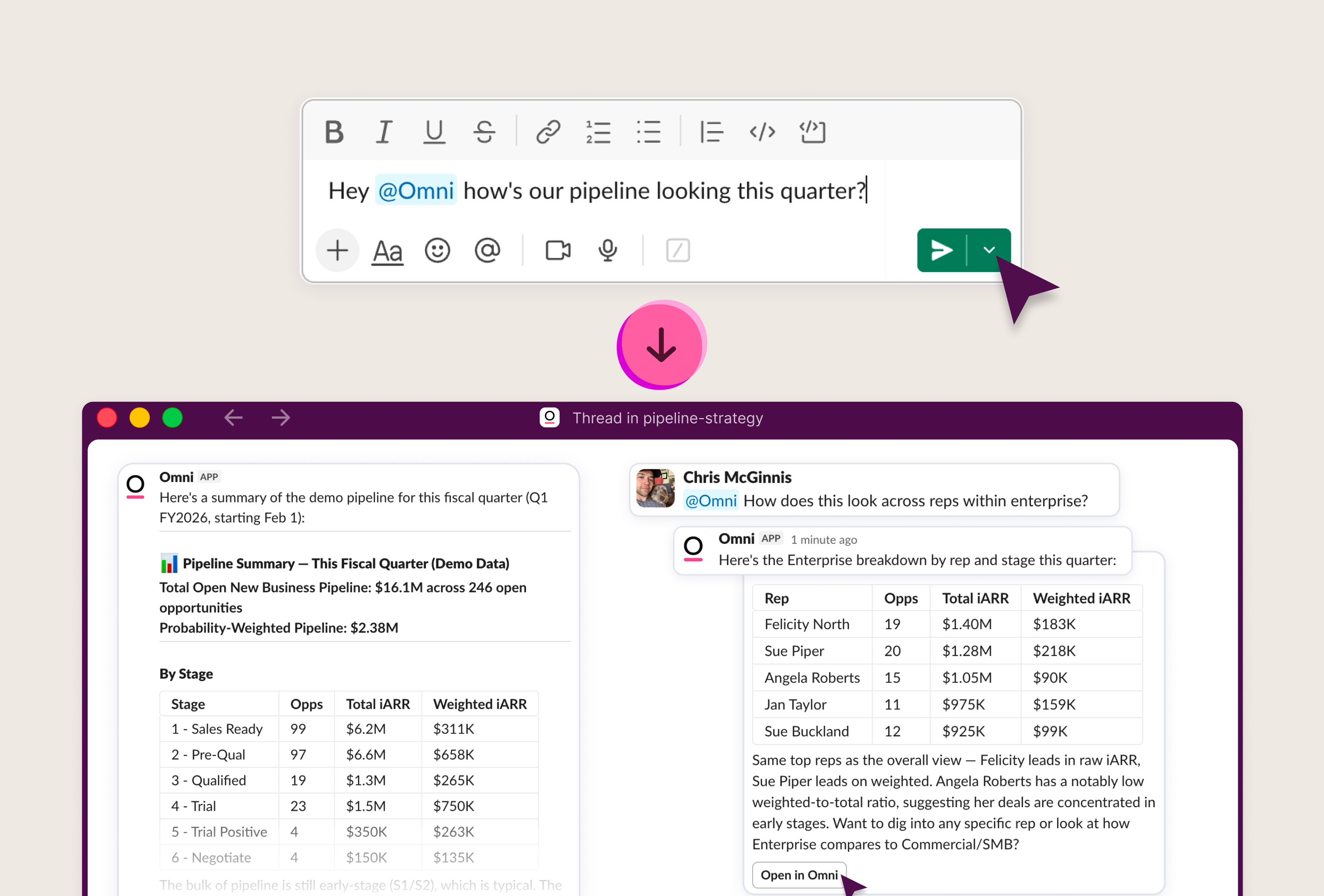
Let’s say someone on your team asks the agent a simple question. How many orders did we do last month? A number comes back, formatted and confident. You pass it along.
Behind that one number, the agent made a string of choices. Which table to pull from, which fields and filters, and how to read "last month."
That’s where the semantic layer comes in. It allows you to serve governed data at scale by providing the guardrails and context agents need to make the right choices, for all the queries that no longer come to you. But as a data person, you still want visibility to check that work, and controls to make it better.
The question is where to start. You can check answers by hand… to an extent. Not a thousand, and not all of them again every time you change the model, or just want a new snapshot.
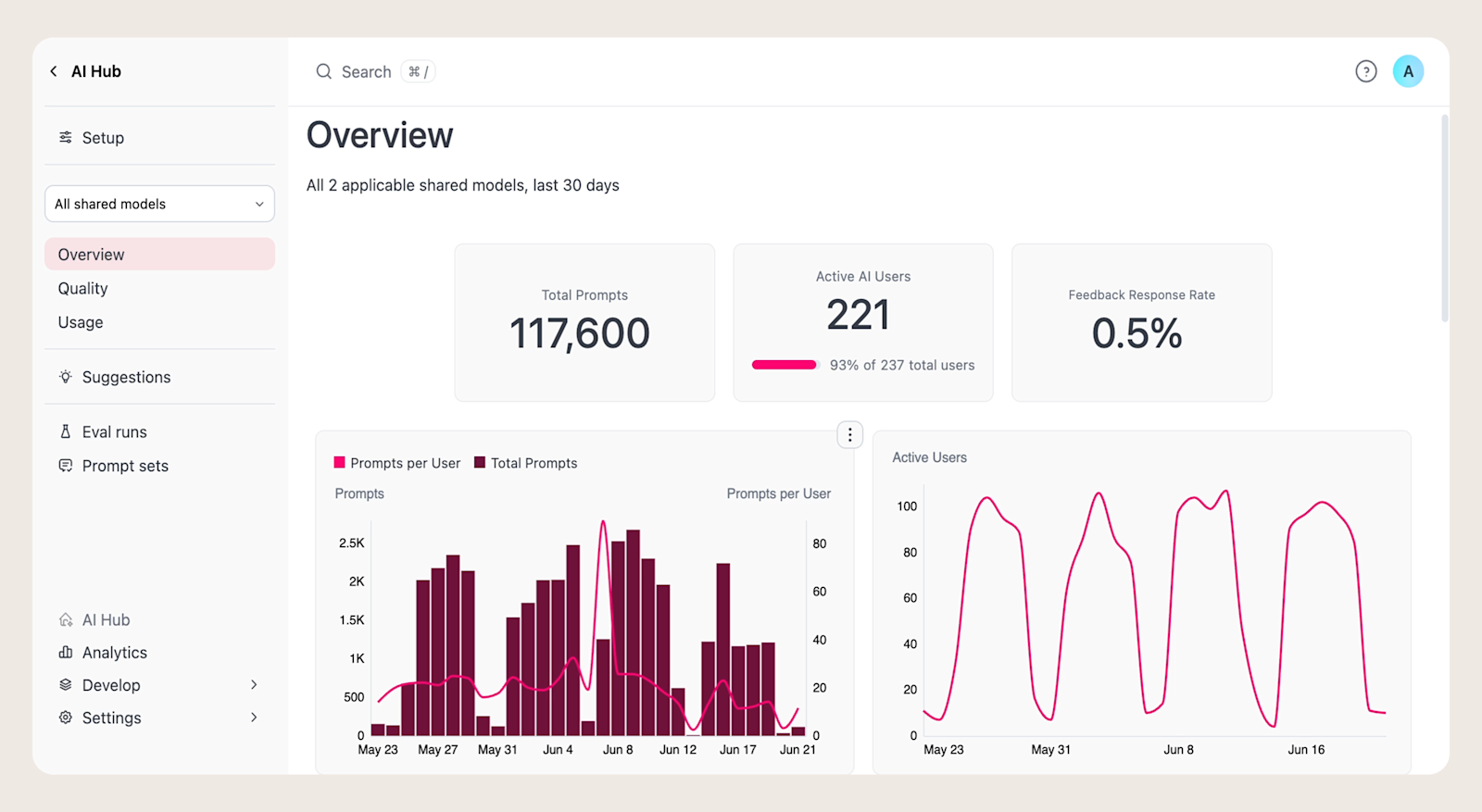
That’s why we built the AI Hub in Omni. When chat agents are the point of contact for end users, data teams need observability and control over the outcomes.
With Suggestions and Evals in the AI Hub, you can improve your semantic model from real usage, test how your agent handles a prompt set, and see the impact of changes before they go live.
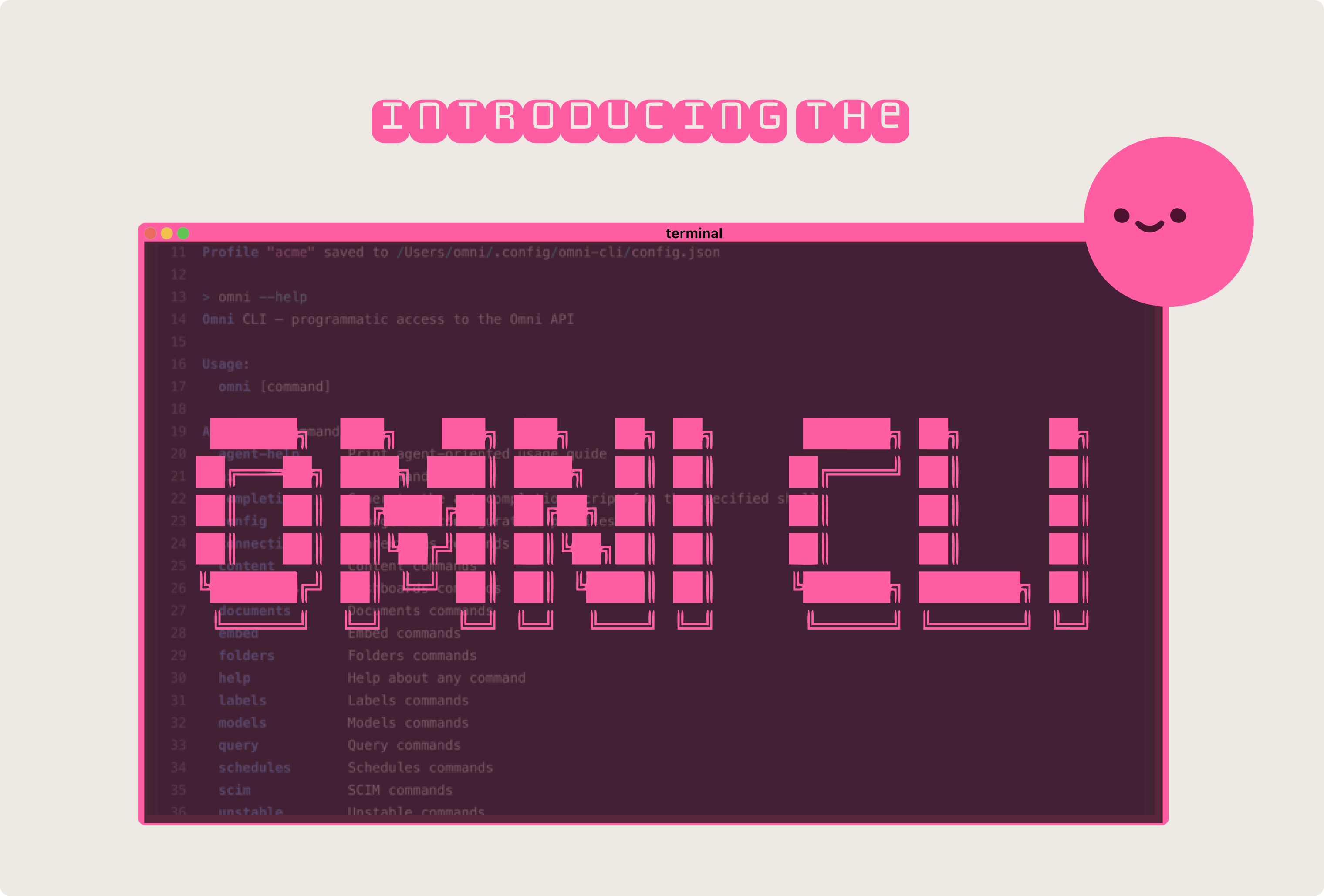
This aligns with a core philosophy at Omni: your business intelligence and AI platform should be fully compatible with software development best practices, and that includes chat-based analytics. Suggestions and Evals integrate with our API and CLI, so you can wire them into your existing programmatic and agentic workflows.
Start by observing. When users ask questions in natural language, they spell out their intent. Your users are telling you exactly what they want.
AI Hub is where you learn from it. It shows what people are asking and where the agent needs more guidance. Scan a sample regularly, and you'll know where the context is thin before anyone files a complaint.
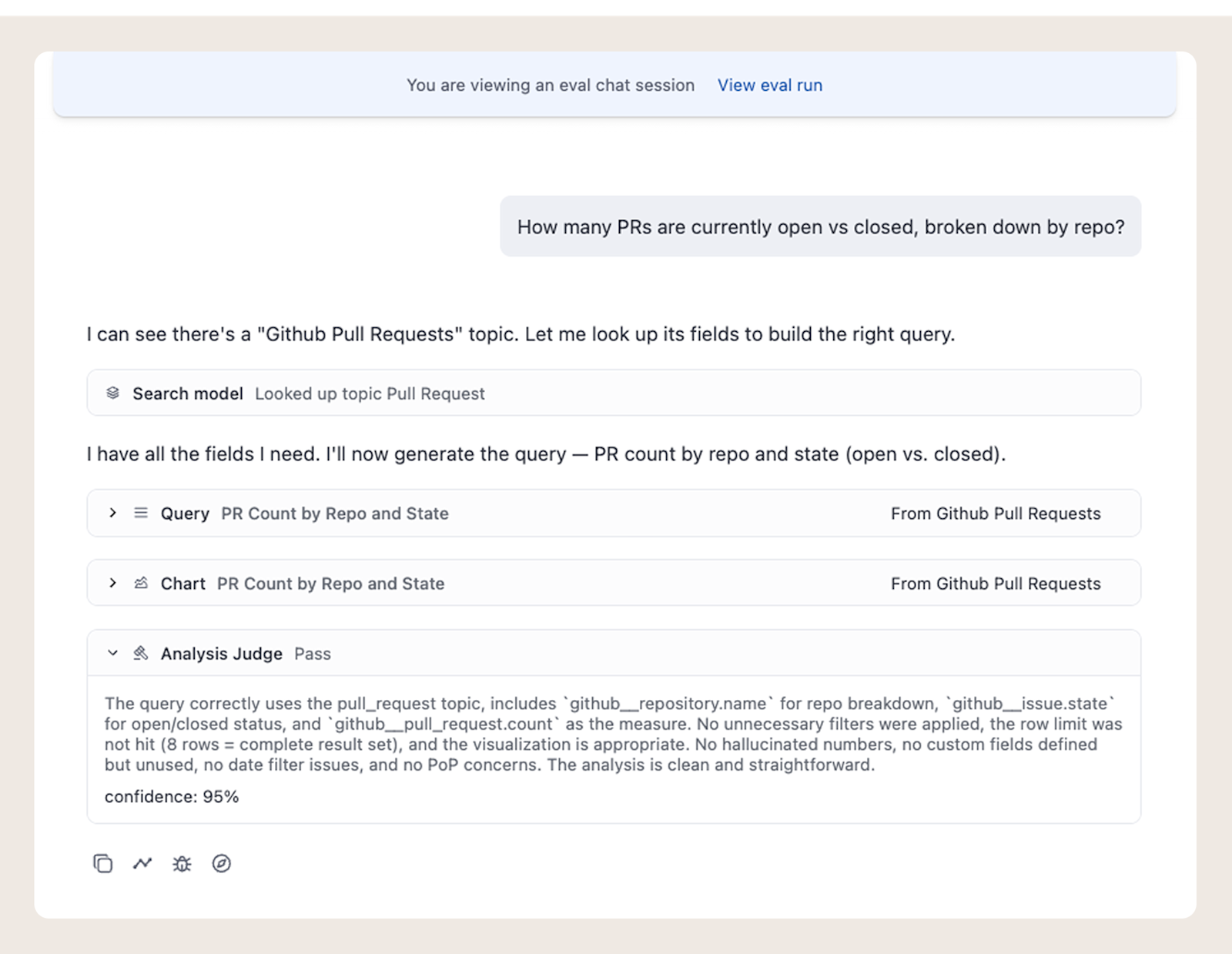
To see what the agent did with a question, simply open the session to see the agent’s decisions and actions right from the UI.
Reading sessions by hand works when there are only a few a day. As usage scales, the questions outpace anyone's ability to read them all.
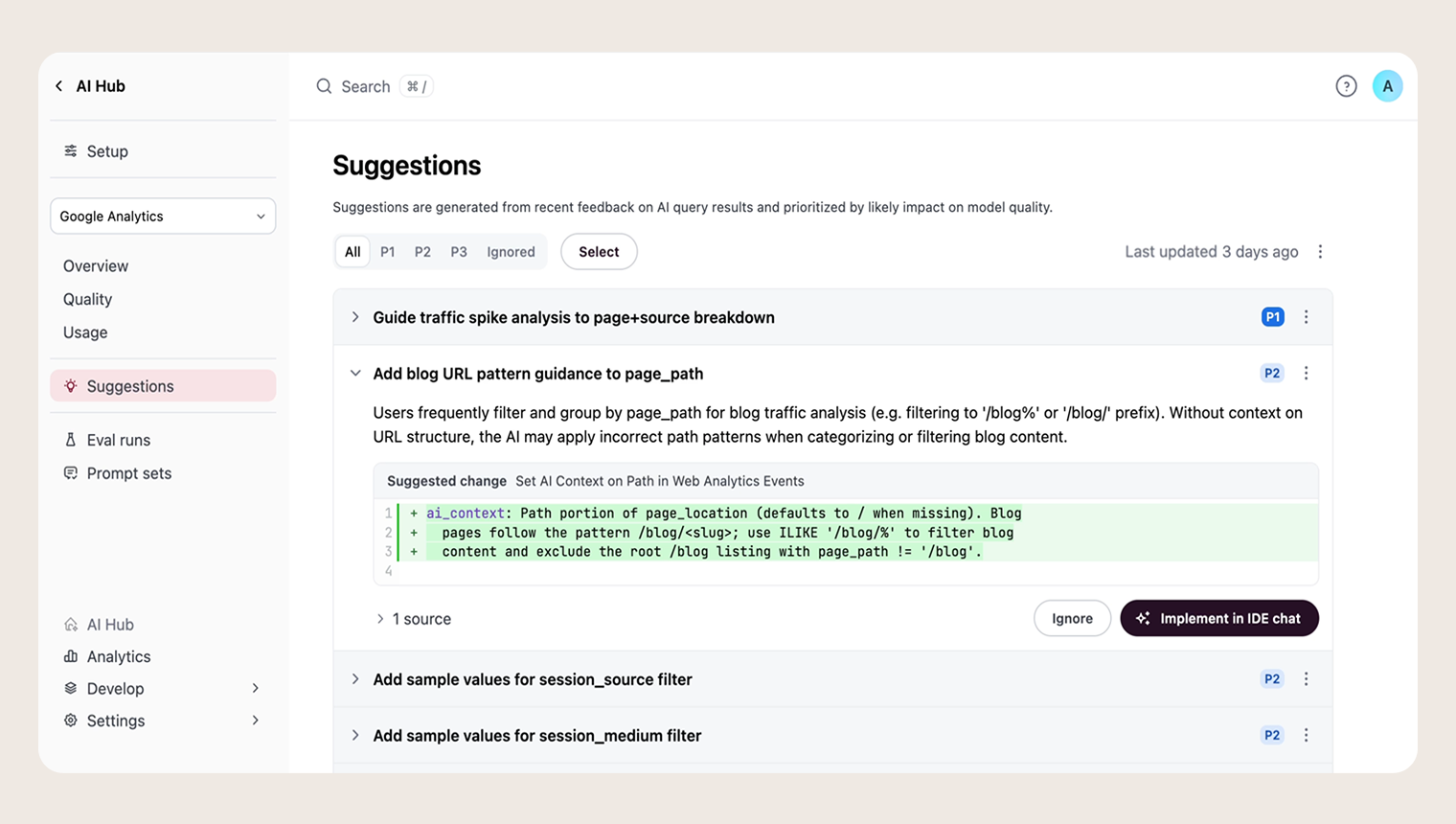
Suggestions read the feedback and usage signals from your users: the thumbs-downs, corrections, even signs of frustration. Then they turn them into a targeted list of high-value edits, such as adding context to a Topic or adding a synonym to a field.
You fix it once, in the shared model, and every answer downstream improves. That’s what improving at scale looks like, and it’s why we built the AI Hub.
You take a question someone asks, and run it against your semantic model. A built-in judge looks at the whole session. It reads the query the agent built, the Topic it chose, the fields and filters it pulled, and the answer it landed on.
Each question comes back as pass or fail, with a confidence level and a written reason. When it fails, the judge points at the cause: used the wrong Topic, defined a field the query never needed, ignored a requested sort or filter, etc.
The Eval shows you whether the agent used the definition you meant. If "orders" should be net of returns, you can see whether it reached for the correct field, or if it needs more context to make the right decisions.
If you already know what a question should return, you can give the judge that answer as an expectation, and it grades against that too.
Run a set of these across your questions and known tricky areas, and now you have something you can measure.
Like any good test suite, it lets you move faster. You can experiment with new context, try new LLMs, and refactor metrics safely, with greater confidence in the outcome.
Close the loop. Make a change on a branch, re-run the Eval, and compare the two runs side by side.
Now you can see whether the change solved your ops team’s questions. Maybe it did, but maybe it also impacted one of finance’s questions. That's the downstream impact the semantic layer trained you to check for. Here, the Eval surfaces it before your users do. You promote the change when the Eval validates it.
The loop doesn't stop there. Re-run the set on your own cadence, by hand or over the API. Evals double as monitoring. Models drift, usage shifts, and a set that passed last month can start to slip. You'd rather catch that on a run than in a stakeholder's screenshot.
Of course, reliability isn’t the only thing to weigh. Speed and cost matter too. Evals report all three.
If this feels like a lot, start small. Write down ten questions your team asks.
Pull them from your AI Hub. Put them in a prompt set. Run it against your shared model.
Now you have a baseline.
Ten is enough to start. Grow toward 15 or 20 as you learn which questions represent your end users’ needs.
A prompt set never covers every question your users will ask, so keep it representative. As your business and its questions change, so should your Evals.
Just like you manage your data product, AI Hub helps you manage your agents. You can feel confident in the answers, even when you can't check each one.
Evals are live in AI Hub. If you're an Omni user, you can find them today. Start with ten questions.